MP3 player for lovers of quality sound
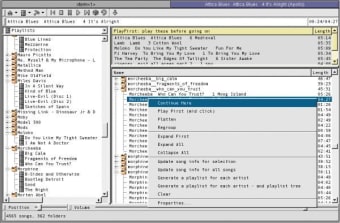
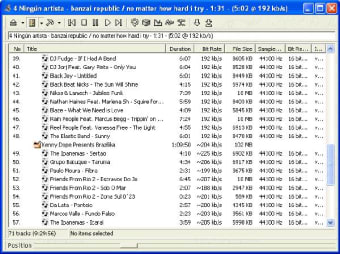
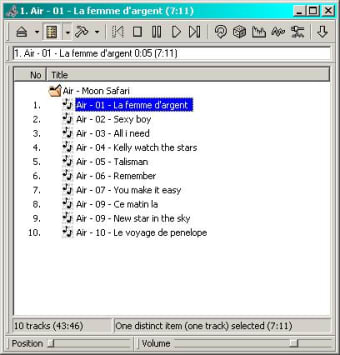
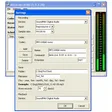
Apollo is a small freeware sound player that excels in its simplicity. The interface consists of the play list with a toolbar where you find the few options of the player. No nonsense & straight to the point, just the way it should be!
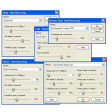
In fact, it’ such a concentrated music player, the creator didn’t even bother with a volume control or a categorized library, but despite this I like it. It isn’t complicated to install, starts without hassle and as long as you know where the music is on your computer, will play just about every file type you can throw at it. What’s more, the quality of the sound is very high and you can adjust the settings on an extensive equalizer to get it just right for your taste.
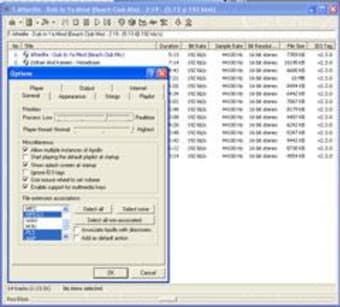
Another handy feature is the hotkey support for just about every control available. Using the number keys, you can skip, stop, pause, play or set the visualizations, while hitting the + or – keys of the numeric pad will maximize the player, set it to mini-player mode or minimize it to the tray.
This dedicated music player handles all the basics brilliantly and is perfect for anyone who doesn’t want the fuss involved in some of the more complicated applications that can be found on the market.
Changes
Added three different loop modes: loop all, loop playlist, loop track Added an option to physically delete files Fixed window update issues with full row select Fixed the performance issue with ID3v2 tags introduced in version 37zx MPEG: Fixed playing files with broken or partial Xing VBR header